Encryption and Authentication 1 min read

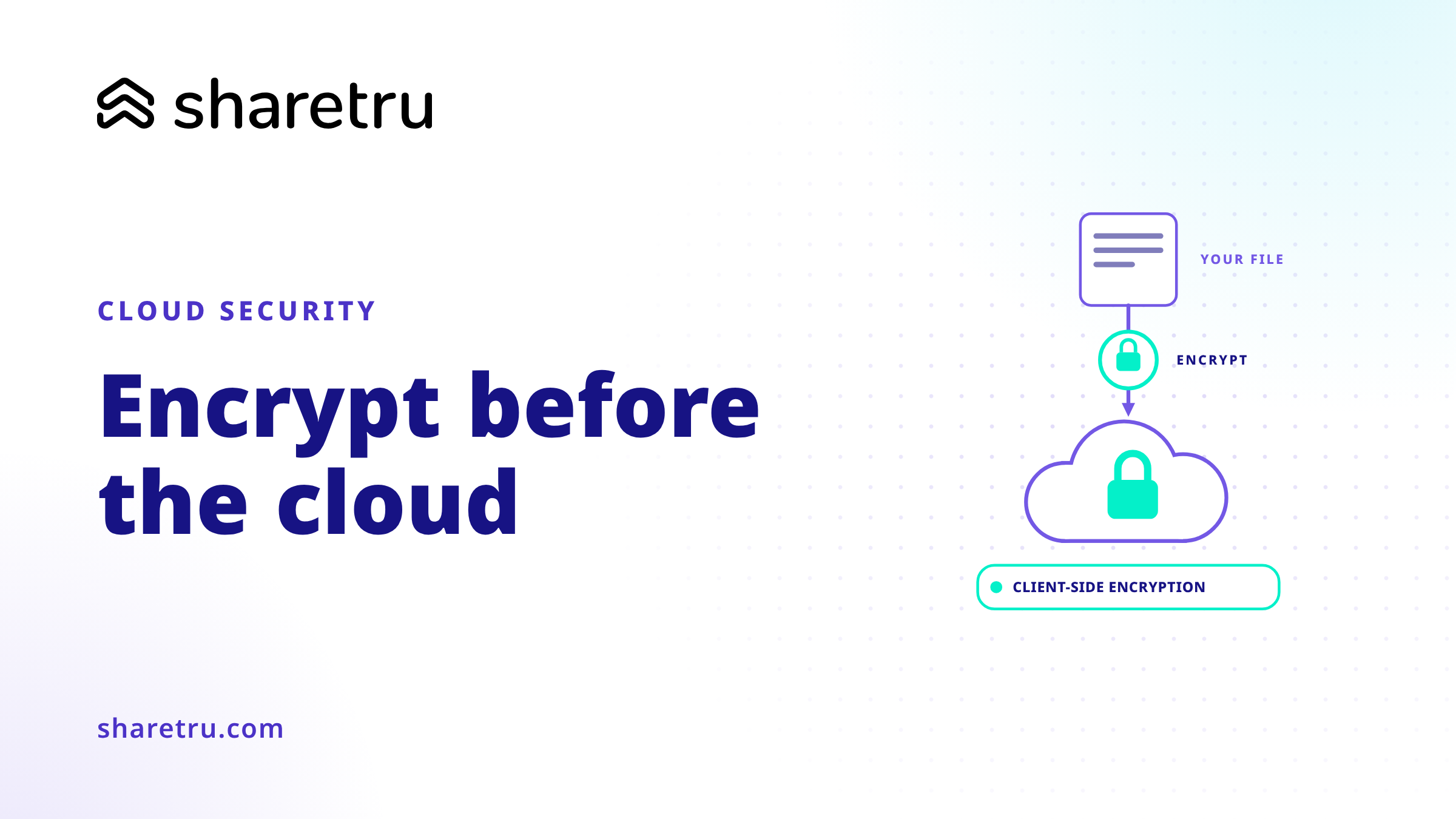
The cloud has become a convenient place to back up, store and share files, but you should hesitate before uploading that sensitive data, whether you’re using Dropbox, Google Drive or any other cloud service. Sure, your files may be encrypted in transit and on the cloud provider’s servers, but the cloud storage company can decrypt them — and anyone that gets access to your account can view the files. Client-side encryption is an essential way to protect your important data without giving up on cloud storage.
Encryption does add some complexity, however. You can’t view the files in the cloud storage service’s web interface or easily share them. You’ll need your encryption tool to decrypt and access your files.
Encryption is ideal for sensitive files, but you don’t have to encrypt everything. Be sure to use a strong passphrase when setting up encryption, too.
Here are some great encryption tools to get your started.
- Use an APP like BoxCryptor or CloudFogger
- Use an encryption service like SpiderOak
- Set up EncFS on Linux
- Create encrypted archives on Mac with Disk Utility

Related articles
View all from Encryption and Authentication
Cloud-Based File Sharing: A Checklist to Keep Your Files Secure
While enterprise cloud-based solutions have become a top way for companies to share their files, 66% of workers continue to use free file …
Data Encryption Best Practices
File transfer protocol (FTP) as it was first conceived included no encryption. In the earliest days of FTP, senders and recipients of files …
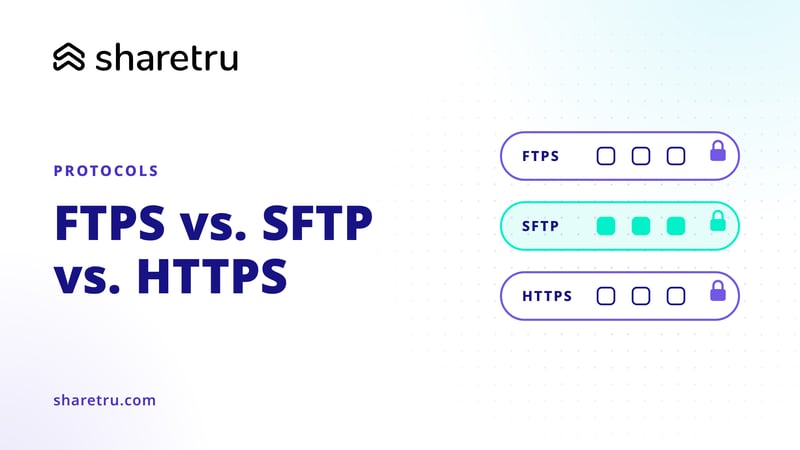
What should you look for when comparing FTPS vs SFTP vs HTTPS?
The intent of this article is to explain how FTPS, SFTP and HTTPS protocols differ from one another, and the advantages and disadvantages …
